
From a laptop to a simulator centre
The same scenes and scenarios run on every set-up, so nothing is rebuilt when you scale up.
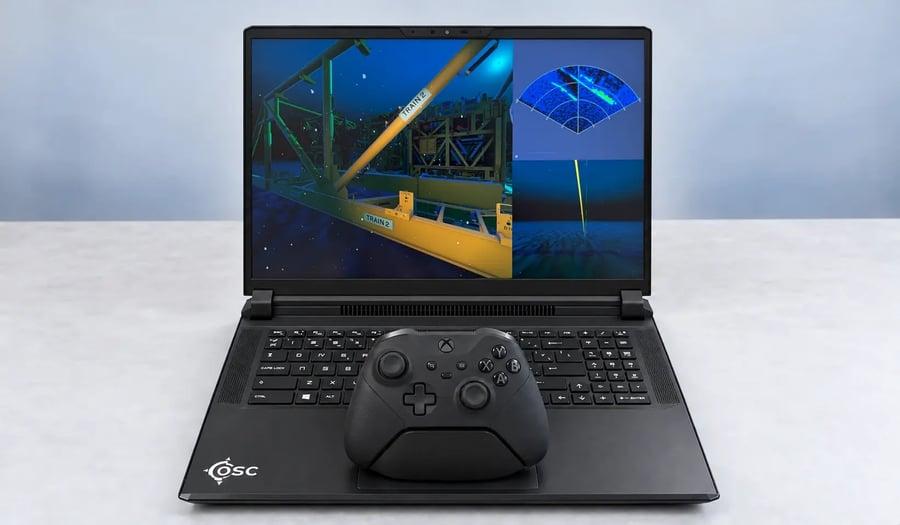
A laptop and a controller
A pilot, operator or planner can practise, try scenarios and plan work from anywhere.
- Who
- A pilot, operator or planner
- Includes
- Scenarios and scenes, run from anywhere
- Good for
- Practising, trying scenarios and planning work
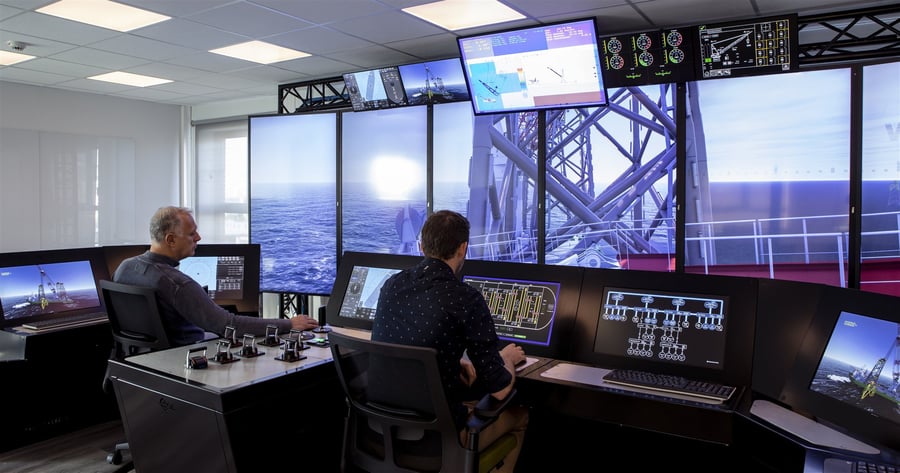
Linked stations
Several stations in one scenario with an instructor, for engineering reviews or classroom training.
- Who
- A crew with an instructor, or engineers
- Includes
- Several stations in one scenario, with instructor set-up, running the exercise and replay
- Good for
- Engineering reviews and classroom training
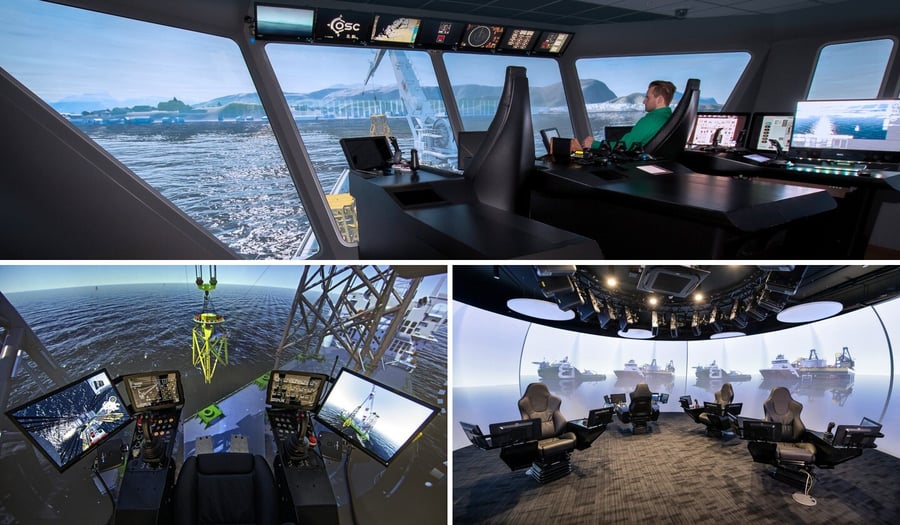
A simulator centre
Operator rooms and stations working as one, set up to suit your operation and delivered at your site.
- Who
- Every role in one operation, such as master, lifting supervisor, ballast, crane, DP and ROV operators
- Includes
- Operator rooms and stations for each role, set up to suit your operation, with communication between rooms
- Good for
- Rehearsing a whole operation together, communication included
Which one fits?
You want to practise or plan on your own. A laptop and a controller is enough.
You want a team to review a method or train together. Linked stations with an instructor.
You want every role to rehearse one operation. A simulator centre.
You don't have to choose.
The same scenes and scenarios run on every set-up, on one physics engine, one 3D environment and one integration layer. Planners can work on laptops, teams can train on linked stations, and the full crew can rehearse in the centre, all on the same scenario.
Start with one and add the next when you need it.